Complete beginners
You have never coded, and you are not sure you can. This program assumes zero knowledge and walks you from your very first day. If you can follow steps and stay consistent, you can do this.
// 4AM TECH ACADEMY · DESKTOP APP DEVELOPMENT
In six focused months you go from a blank laptop to building installable apps for Windows, macOS and Linux: a point-of-sale system, an internal business tool, a licensed product you can sell. You direct modern AI tools, the AI writes the code, and you learn to steer it like a professional. By the end you can take on paying clients and deliver software they install and trust.
No coding background needed. Every module is recorded video plus a weekly live Q&A where a real instructor gets you unstuck.
Duration
6 months
Format
Professionally recorded HD video lessons plus weekly live Q&A and doubt-clearing sessions
Level
Beginner to production desktop apps
Language
Hindi and English mixed, kept simple and plain
Certificate
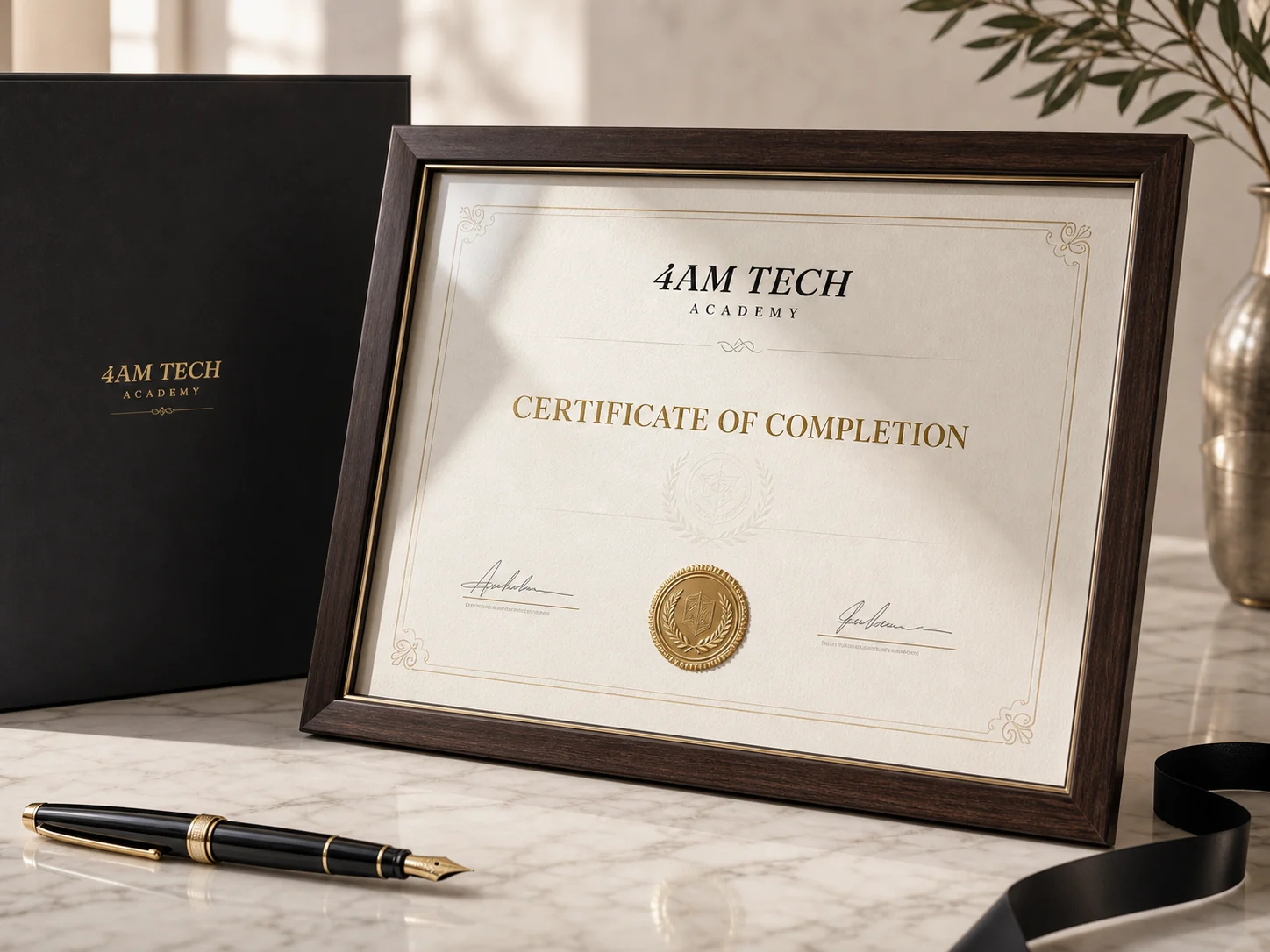
Official 4AM Tech certificate of completion
Prerequisites
No coding knowledge needed. Just a laptop, an internet connection and consistency.
// WHO IT IS FOR
Build and sell real installable desktop software in six months, with zero coding background, by directing AI.
You have never coded, and you are not sure you can. This program assumes zero knowledge and walks you from your very first day. If you can follow steps and stay consistent, you can do this.
You want out of a stuck job and into tech, without spending years on a degree. Desktop software is a high-trust, high-value skill that many freelancers ignore, so the competition is thinner and the pay is better.
You already sell websites or content, and you want a premium service to upsell. Installable business apps, POS systems and internal tools command far higher project values than a basic website.
You have a product idea, or a business that needs a custom tool. Learn to build it yourself, ship it, and even license it to others in your industry.
// WHAT YOU WILL MASTER
Every outcome below is something you will have built with your own hands by the time the program ends.
Direct AI tools to write, fix and improve real desktop application code with confidence
Build cross-platform desktop apps that run natively on Windows, macOS and Linux
Create native windows, menus, system tray icons and notifications that feel professional
Store data offline in a local SQLite database that survives restarts and works with no internet
Read, write and manage files and folders on the user's computer safely
Connect a desktop app to backends, REST APIs and payment or messaging services
Package your app into clean installers and code-sign them so users trust the download
Ship automatic updates so your installed apps update themselves in the background
Build an admin and licensing panel so you can sell your software and control access
Harden a desktop app for performance, offline-first behaviour and security
Hand over a finished product to a client with documentation and a maintenance plan
Price, pitch and sell desktop software projects to real paying clients in India
// THE STACK YOU LEARN
You direct modern AI tools to build with this stack. You understand every piece, without memorising syntax.
AI building tools (vibe coding)
Desktop frameworks
Native desktop and data
Backends and integrations
Packaging and distribution
Pro delivery and security
// THE CURRICULUM
Scroll through the full journey. Each month builds on the last, from your first win to client-ready delivery.
You go from a blank laptop to a real window opening on your screen that you built by directing AI.
Project: A working desktop calculator or notes window that opens on your computer, built entirely by directing AI.
You build proper cross-platform desktop apps with real, good-looking screens using Tauri.
Project: A multi-screen task or expense tracker built in Tauri with a polished interface and working buttons.
Your apps gain real desktop powers: menus, tray icons, file access and a database that works with no internet.
Project: An offline-first inventory or contact manager with a SQLite database, file export and a tray icon.
You learn the other two major desktop tools and connect your apps to backends, logins and payments.
Project: A connected desktop app with login, cloud sync and a working Razorpay payment flow.
You turn your project into a real product that users can download, install, trust and keep updated.
Project: A signed, installable build of your app for Windows, plus a Mac or Linux build, with working auto-update.
You reach the full professional outcome: a licensed, secure, client-ready product you can deliver and sell.
Project: A complete, client-ready licensed desktop product such as a POS or business tool, with an admin panel, delivered with documentation.
// PRACTICAL PROJECTS
These are not toy demos. Each one is something you can show a client and say: I built this.
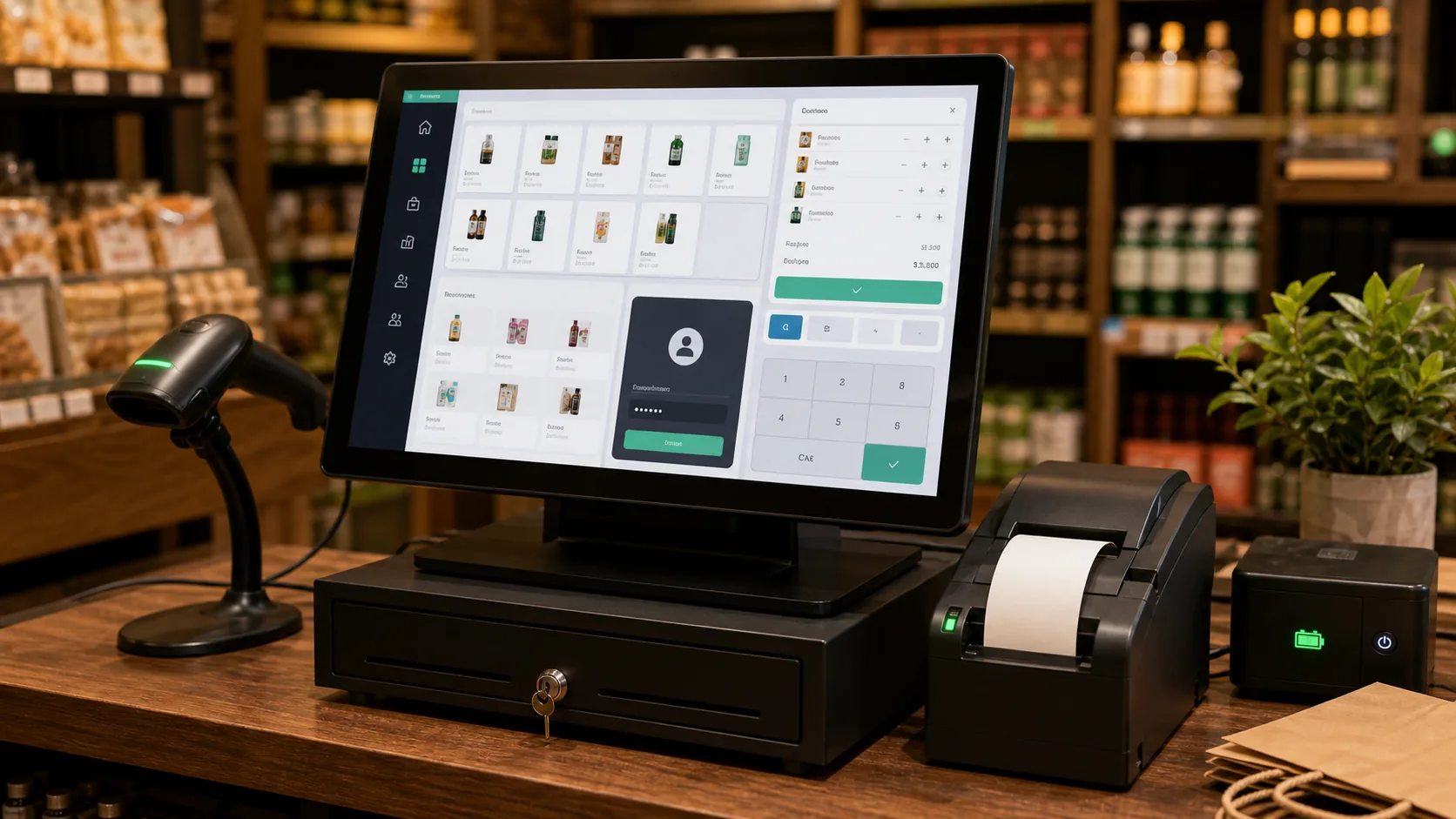
A point-of-sale app that runs at a shop counter with no internet, prints or exports receipts, tracks inventory in a local SQLite database and signs in staff. This is the project that wins you real local clients.
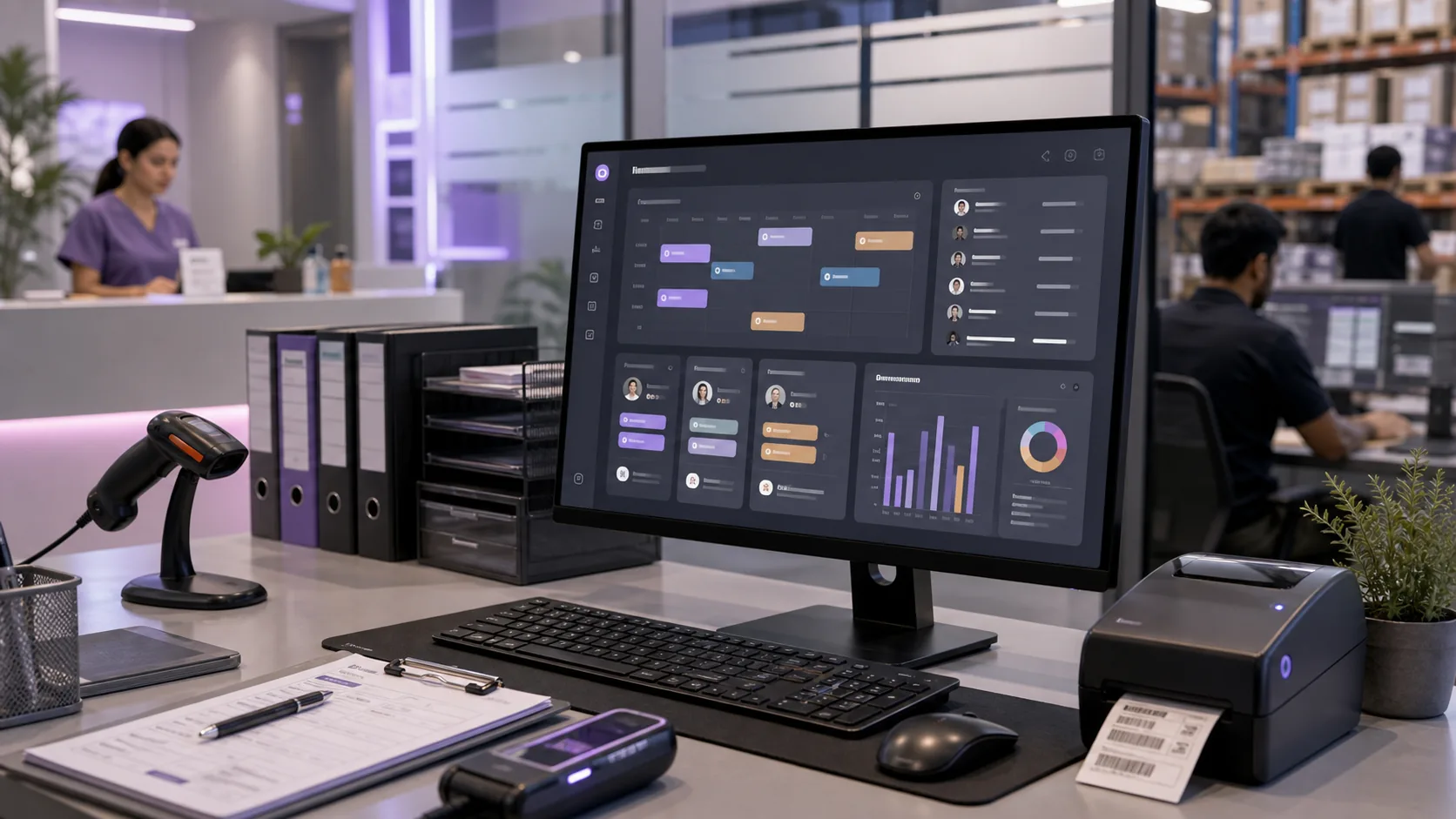
A custom desktop tool for a clinic, gym, warehouse or dealership: bookings, records and reports that staff install on office machines. The kind of high-value work most freelancers cannot deliver.
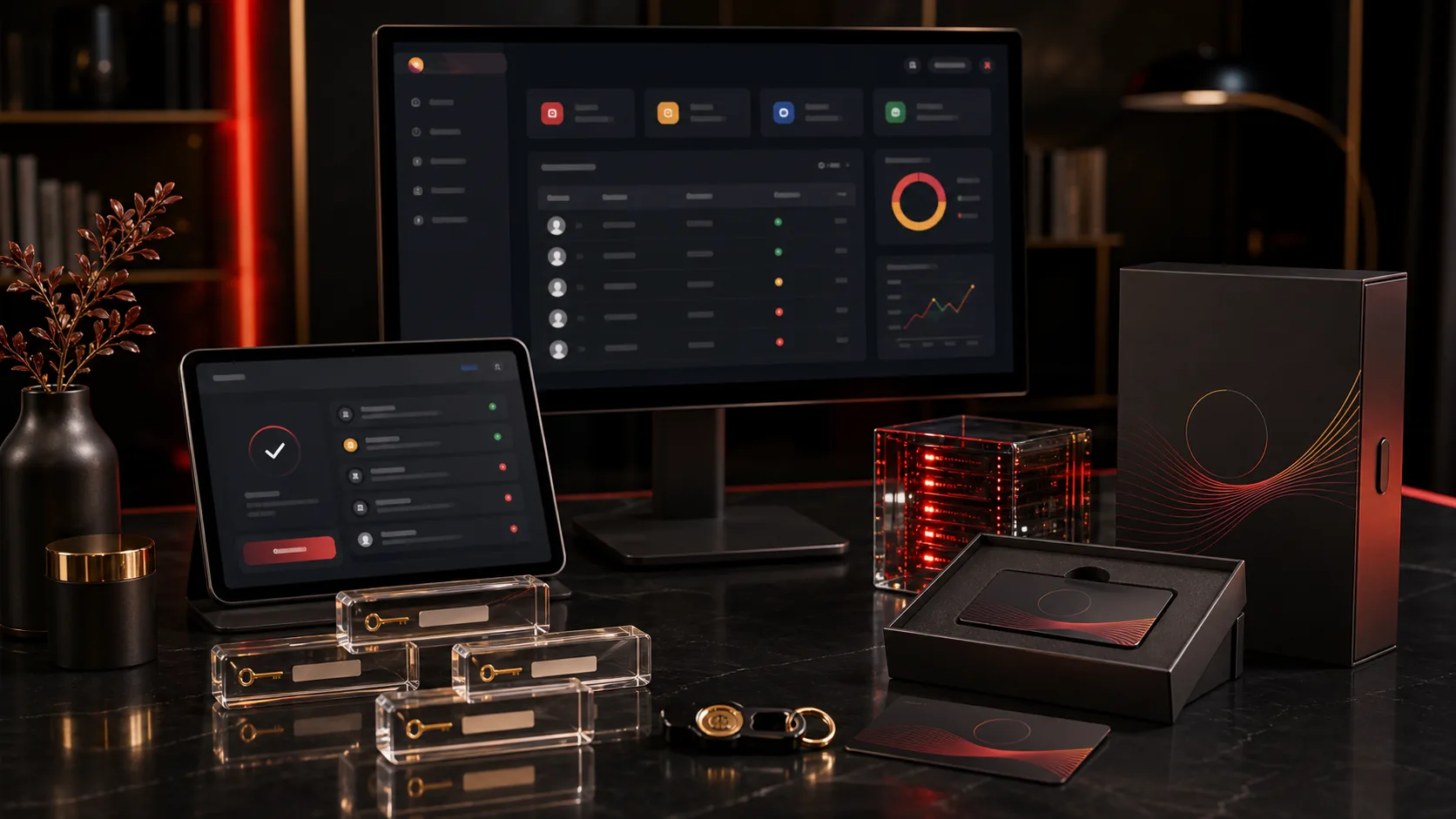
One app you build once and sell to many businesses, complete with an admin and licensing panel, activation keys and auto-update. This is how project work turns into product income.
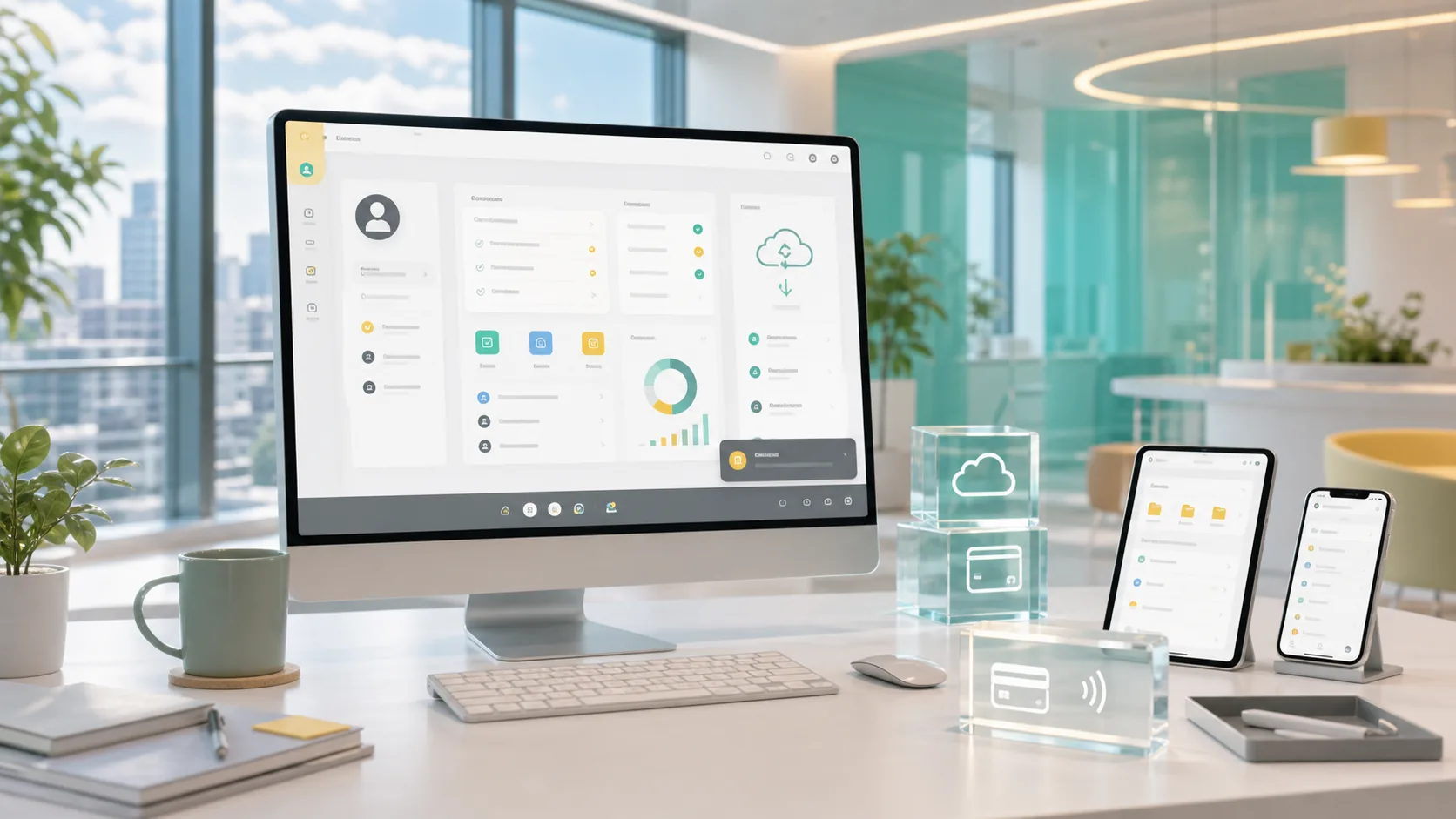
A polished cross-platform app with login, cloud sync, payments and a tray icon, showing you can connect desktop software to the wider internet and modern services.
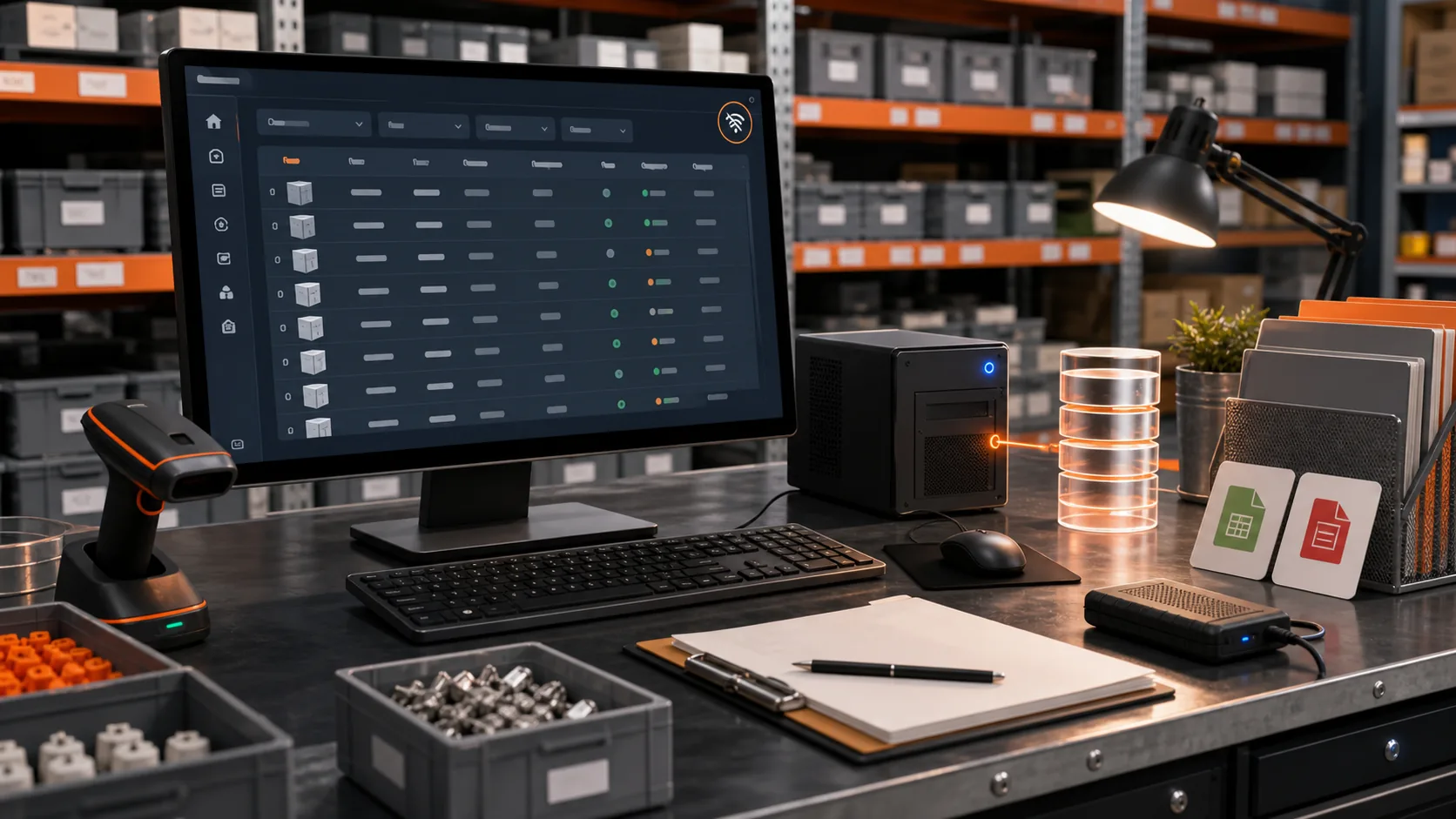
A data-heavy app with a local database, search and filtering, CSV and PDF export and full offline support, proving you can handle serious real-world data on the desktop.
// HOW THE PROGRAM RUNS
Recorded lessons you watch at your own pace, plus a live room every week where a real builder helps you get unstuck.
Every program is delivered as professionally recorded video lessons you can watch whenever it suits you, as many times as you need. Pause, rewind, follow along at your own pace. This is your foundation, structured so each lesson builds on the last.
Once a week you join a live session with the instructor. This is where the real learning locks in. You bring whatever is blocking you, from a confusing error to a design decision, and you get help solving it live. Nobody gets left behind quietly.
You do not just watch. Throughout the program you build practical, real-world projects step by step, applying each lesson immediately. By the end you have working software you created yourself, not a folder of notes.
We treat your projects the way a studio treats client work. You ship something that works, get feedback, and refine it. This is how you build the instinct to fix problems on your own, which is exactly what paying clients are buying.
Complete the program and your projects, and you receive an official 4AM Tech completion certificate. It marks the moment you go from learner to builder, with real work to back it up.
// YOUR CERTIFICATE
When you complete your program and build your projects, you receive an official completion certificate from 4AM Tech, a working Mumbai software studio. It is not a participation badge. It is proof that you can take an idea and turn it into working software.
It proves you completed a full, structured program and built real, working projects from start to finish.
It carries the name of a real software studio that delivers paid client work, not an anonymous course platform.
It signals to clients and employers that you can actually ship software, not just talk about it.
It is earned through real work, so it means something when you put it on your profile, your proposals or your portfolio.
It marks a clear before-and-after: the point where you stop being a beginner and start being a builder others can hire.
// TURN THE SKILL INTO INCOME
Desktop software is a premium, underserved market in India. Most freelancers only build websites, so when a shop or business needs a real installable app, far fewer people can deliver it, and they pay accordingly.
Local businesses need POS, billing and inventory apps that run offline at the counter. These are recurring, high-trust projects, often in the range of tens of thousands to a few lakh rupees per build, plus maintenance.
Clinics, gyms, schools, dealerships and warehouses need internal tools their staff install on office computers. Custom internal software is valued far above a basic website because it runs the business.
You can build one licensed product once, for example a salon or coaching-centre manager, and sell the same app to many businesses with a licensing panel. This is how project work becomes product income.
Freelance path: list yourself as a desktop app developer on Upwork, Fiverr and local networks where competition is thin. Agency path: add desktop apps as a premium service alongside web work. Job path: in-house tooling and product roles value people who can ship installable software.
An honest note: income depends on your effort, your niche and how you sell. This program makes you genuinely able to deliver. We do not promise a fixed salary. We make you capable of earning one.
// THE PROGRAM IN NUMBERS
// ENROL
One simple fee. Everything included, from the first lesson to your certificate and beyond. Flexible payment options are available, just ask us on WhatsApp.
// QUESTIONS
If your question is not here, message us on WhatsApp. A real person replies.
Yes. This program is built for people who have never coded. With vibe coding, you direct modern AI tools and they write the code, while you learn to guide, test and fix it like a professional. Month 1 assumes you know nothing. If you can follow steps and stay consistent, you can finish this.
Plan for around 8 to 12 hours a week: watching the recorded lessons and, most importantly, building along with them. The students who succeed are the ones who actually build the projects, not just watch them. Because lessons are recorded, you set your own pace around a job or studies.
The recorded HD lessons teach you everything step by step, on your schedule, rewatchable any time. The weekly live Q&A sessions are where a real instructor helps you when you get stuck, reviews your work and answers your specific questions. You get both: clear structure and real human support.
That is the entire goal. By the final month you build a complete, licensed, client-ready product and learn how to price, pitch and hand it over. Desktop software is an underserved, premium skill in India, so capable people get paid well. Your results still depend on your effort and how you sell yourself, and we are honest about that.
Yes. That is exactly what the weekly live doubt-clearing sessions are for. Getting stuck is a normal part of building software, even for professionals. You will never be left alone with a broken app and no one to ask.
No. A regular laptop with a few years of life in it is enough to start, whether you run Windows, Mac or Linux. We show you how to build for all three platforms. A few final steps like Apple notarization need a Mac, and we explain affordable ways to handle that when the time comes.
Yes. You receive an official 4AM Tech certificate of completion once you finish the program and your capstone project. More importantly, you finish with real apps in your portfolio, which is what clients and employers actually care about.
We want serious, committed learners, not just sign-ups. Before you join, talk to our team about your goals so you are confident this is the right fit. Our priority is that you actually finish and can build real software, not simply that you enrol.
// EXPLORE MORE PROGRAMS
Each program is complete on its own. Many students stack two to widen what they can sell.
// YOUR MOVE
No coding background. No guesswork. Just a clear path, real projects, and a live room when you need help. Message us and we will tell you exactly how the Desktop App Development program works.
Mumbai-based academy. Learners across India.