Complete beginners
You have never coded and you are not sure you can. This course is built for exactly that. We start from how a phone app even works and walk every step alongside you.
// 4AM TECH ACADEMY · MOBILE APP DEVELOPMENT
In 6 months you go from never having written a line of code to publishing finished apps live on the Apple App Store and Google Play. You will direct AI to build the screens, the backend, the payments, and the admin panel, then hand a polished, client-ready app to a real customer. By the end you can confidently take on paid app projects of your own.
No coding background needed. All you need is a laptop, a few hours each week, and our instructor in live Q&A whenever you get stuck.
Duration
6 months
Format
Professionally recorded HD video lessons plus weekly live Q&A sessions
Level
Beginner to store-ready
Language
Simple Hindi and English, mixed and easy to follow
Certificate
Official 4AM Tech certificate of completion
Prerequisites
No coding knowledge needed. Just a laptop, internet, and steady effort each week.
// WHO IT IS FOR
Go from zero coding to publishing real apps on the App Store and Play Store for paying clients in 6 months.
You have never coded and you are not sure you can. This course is built for exactly that. We start from how a phone app even works and walk every step alongside you.
You want out of a job with no future and into building real software. App development is a high-value skill you can learn part-time and turn into income.
Maybe you already sell websites, design, or marketing. Adding mobile apps lets you charge much more per client and win bigger, longer projects.
Perhaps you have an idea but no technical co-founder. Learn to build the first real version yourself instead of paying lakhs and waiting months.
// WHAT YOU WILL MASTER
Every outcome below is something you will have built with your own hands by the time the program ends.
Build complete mobile app screens and layouts by directing AI, with no manual coding
Ship apps that run on both Android and iPhone from a single project
Add navigation, smooth animations, and polished micro-interactions that feel professional
Use device features like the camera, location, file storage, and notifications inside your apps
Connect an app to a real backend and database so data is saved and synced
Add secure login, signup, and user accounts with email, phone, and Google sign-in
Take real payments inside an app using Razorpay and subscription billing
Build a working admin panel so your client can manage their own app content
Send push notifications that bring users back into the app
Create app icons, splash screens, and signed release builds ready for the stores
Publish a finished app live on the Apple App Store and Google Play, start to finish
Deliver, hand over, and support a paid app project for a real client
// THE STACK YOU LEARN
You direct modern AI tools to build with this stack. You understand every piece, without memorising syntax.
App building frameworks
AI build tools (vibe coding)
Backend, database, and APIs
Payments, notifications, and device
Admin panel and dashboards
Publishing and delivery
// THE CURRICULUM
Scroll through the full journey. Each month builds on the last, from your first win to client-ready delivery.
You set up everything, understand how apps and vibe coding work, and get your first app running on a real phone.
Project: A personalized starter app with your name, colors, and a button that does something, running live on your own phone.
You learn to build clean, professional app screens and move between them like a real product.
Project: A multi-screen app for a local business such as a cafe or salon, with a home screen, a list of items, a detail page, and working navigation.
Your apps start to feel alive. They remember things, react smoothly, and use the phone's real features.
Project: A daily habit or expense tracker that saves data on the device, animates nicely, and can attach a photo and a location to each entry.
Your app connects to the cloud, stores real data for many users, and supports secure login and accounts.
Project: A cloud-connected app with full signup and login, where each user has their own account and their data syncs across devices.
You add the features clients actually pay for: payments, push notifications, and an admin panel, and you learn React Native too.
Project: A complete app plus admin panel, for example a food ordering or booking app, where users pay, get notifications, and the owner manages everything from a web dashboard.
You publish a real app live on both stores, then learn to win, deliver, and get paid by real clients.
Project: Capstone: a complete, client-ready app published live on both the Apple App Store and Google Play, with backend, payments, an admin panel, and a proper handover package.
// PRACTICAL PROJECTS
These are not toy demos. Each one is something you can show a client and say: I built this.
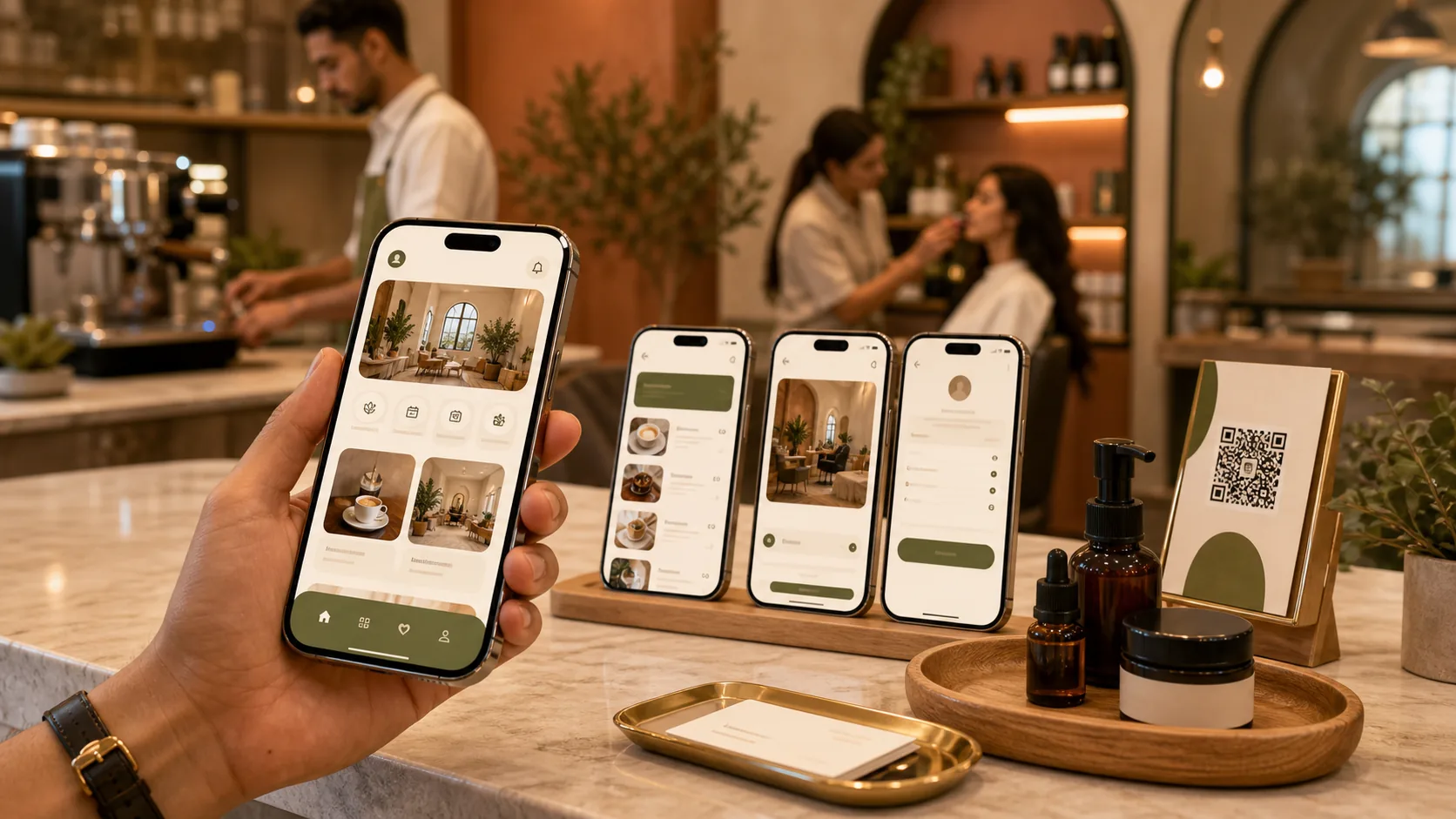
A clean multi-screen app for a real-world business like a cafe, salon, or clinic, with a home screen, item lists, detail pages, and smooth navigation. This is the kind of app local clients pay for first.
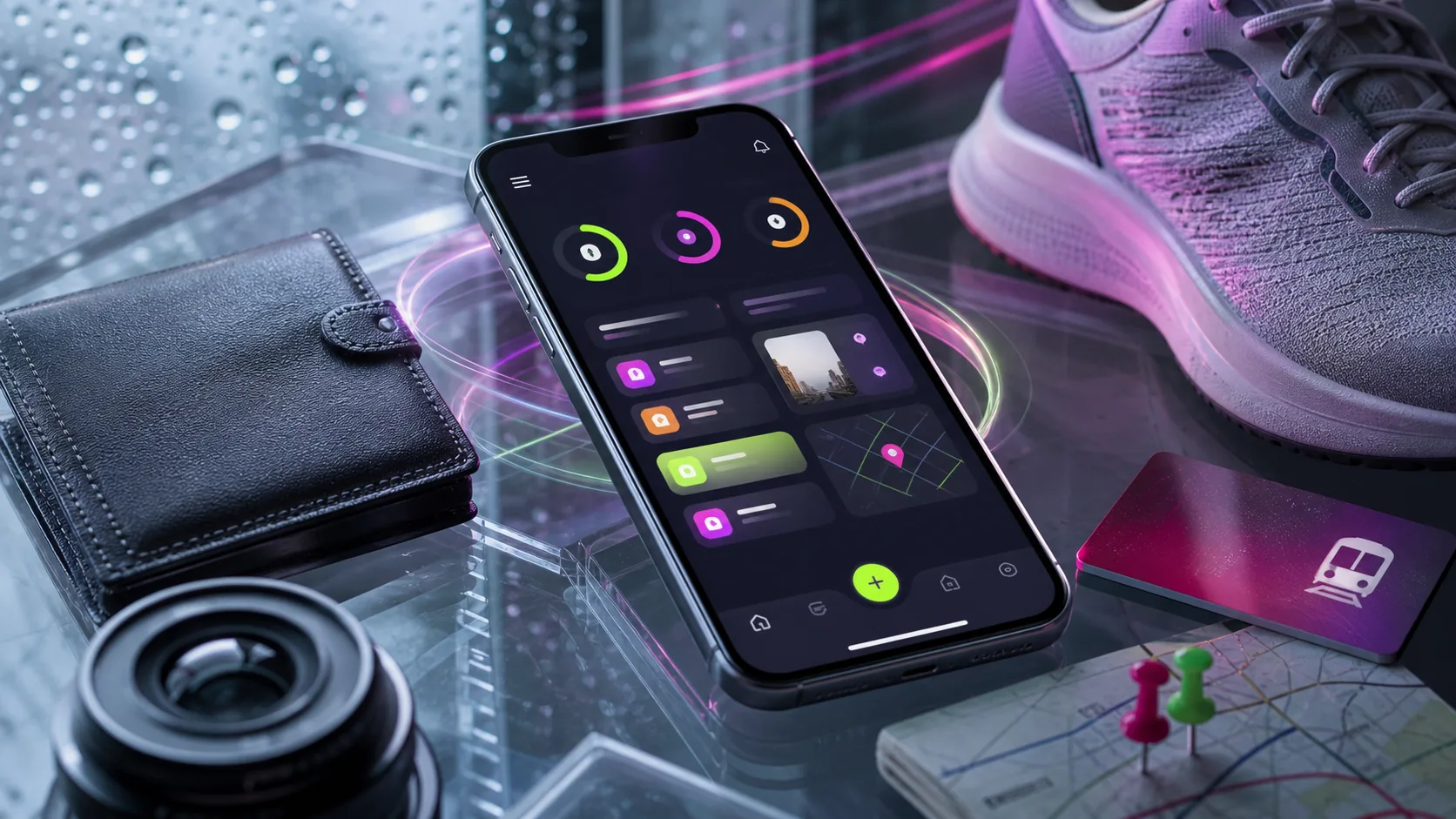
A lively app that saves data on the device, animates smoothly, and uses the camera and location. It proves you can build apps that feel premium and use real phone features.
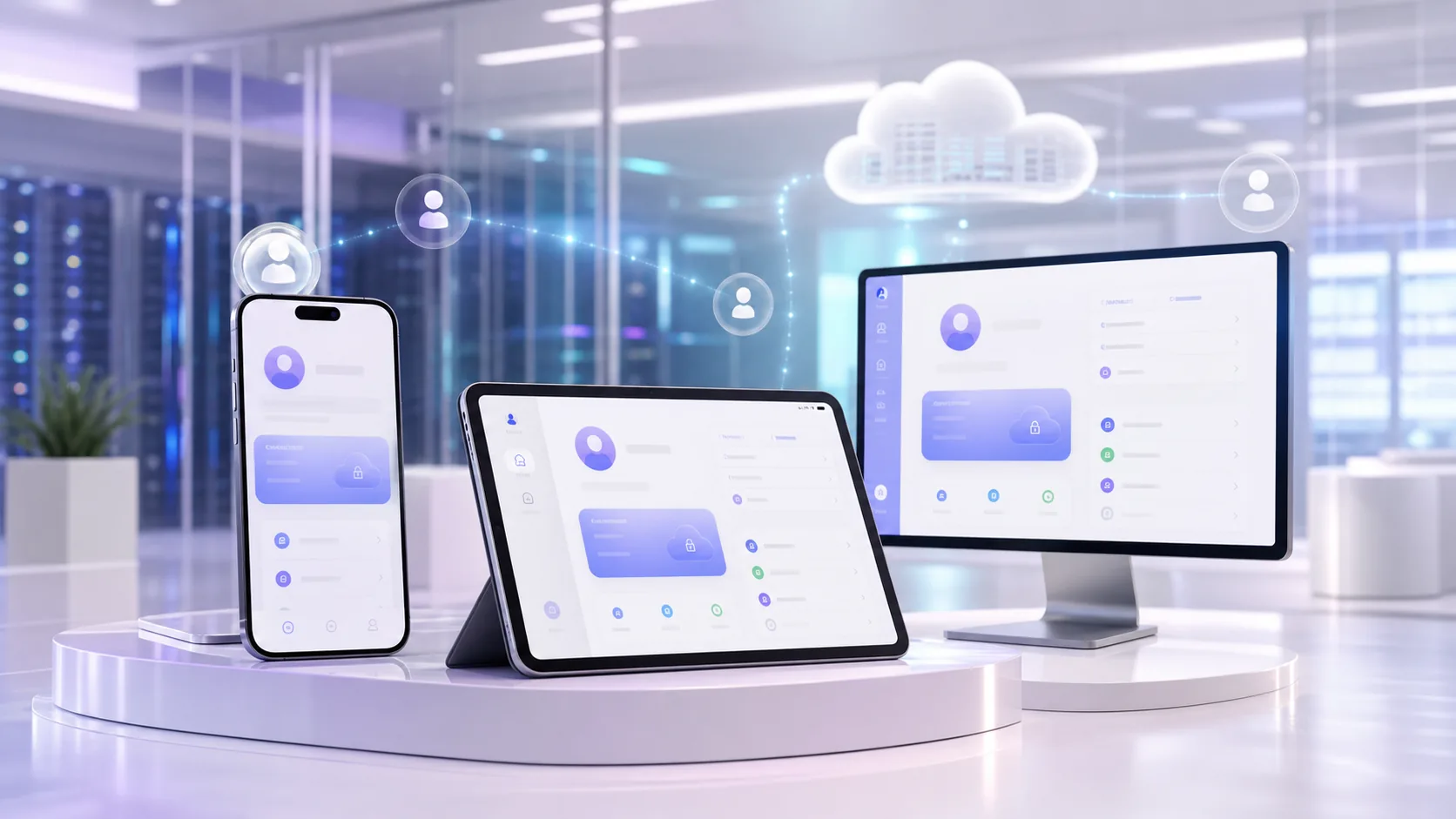
A full app with signup, login, and a real backend, where every user has their own account and their data syncs across devices. This is the backbone of almost every serious app.

A complete product where users pay through Razorpay, receive push notifications, and the owner manages everything from a web admin dashboard. This is a genuinely sellable app.

Your final capstone app, published live on both the Apple App Store and Google Play, with backend, payments, and an admin panel, plus a clean client handover package.
// HOW THE PROGRAM RUNS
Recorded lessons you watch at your own pace, plus a live room every week where a real builder helps you get unstuck.
Every program is delivered as professionally recorded video lessons you can watch whenever it suits you, as many times as you need. Pause, rewind, follow along at your own pace. This is your foundation, structured so each lesson builds on the last.
Once a week you join a live session with the instructor. This is where the real learning locks in. You bring whatever is blocking you, from a confusing error to a design decision, and you get help solving it live. Nobody gets left behind quietly.
You do not just watch. Throughout the program you build practical, real-world projects step by step, applying each lesson immediately. By the end you have working software you created yourself, not a folder of notes.
We treat your projects the way a studio treats client work. You ship something that works, get feedback, and refine it. This is how you build the instinct to fix problems on your own, which is exactly what paying clients are buying.
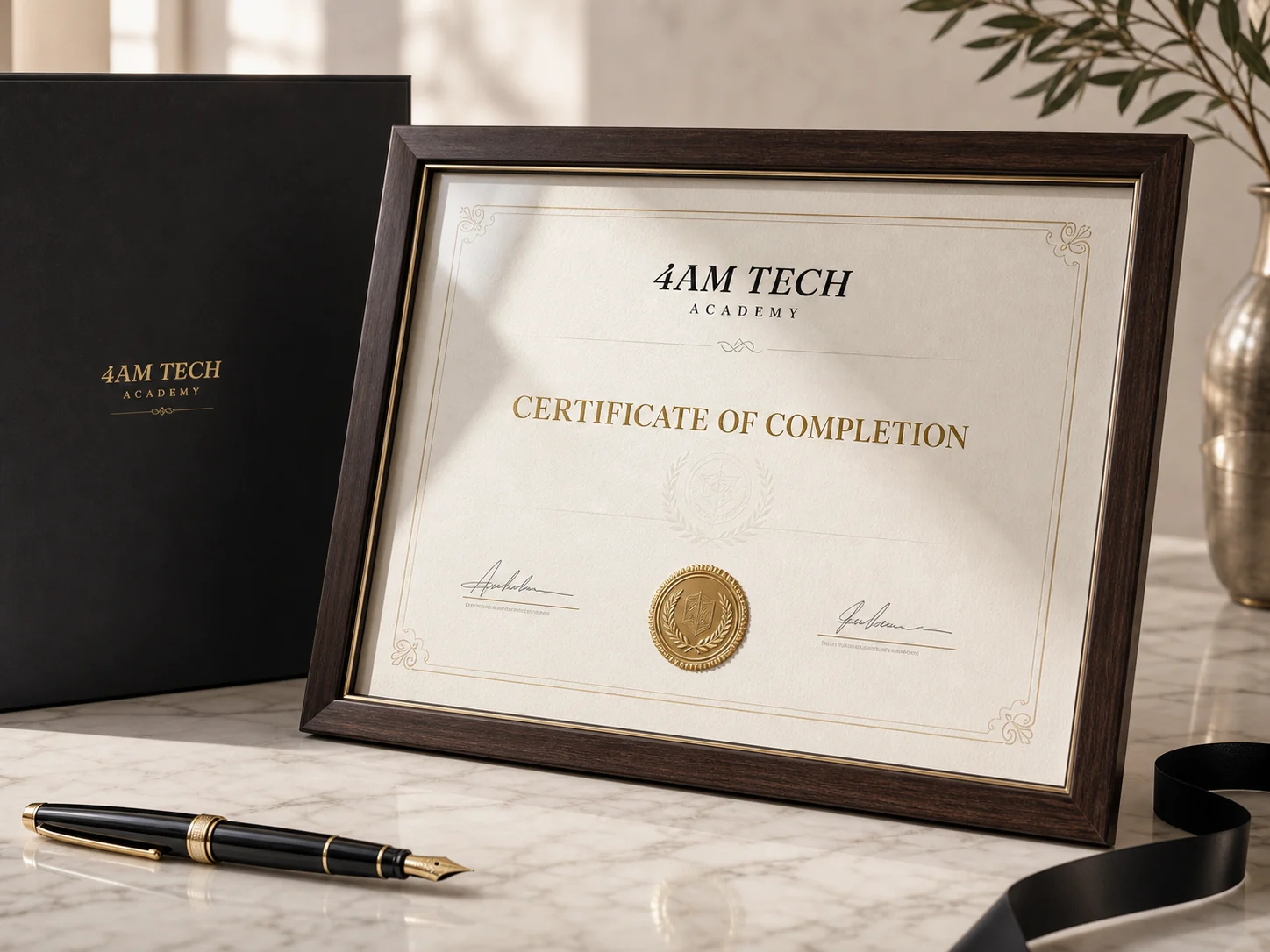
Complete the program and your projects, and you receive an official 4AM Tech completion certificate. It marks the moment you go from learner to builder, with real work to back it up.
// YOUR CERTIFICATE
When you complete your program and build your projects, you receive an official completion certificate from 4AM Tech, a working Mumbai software studio. It is not a participation badge. It is proof that you can take an idea and turn it into working software.
It proves you completed a full, structured program and built real, working projects from start to finish.
It carries the name of a real software studio that delivers paid client work, not an anonymous course platform.
It signals to clients and employers that you can actually ship software, not just talk about it.
It is earned through real work, so it means something when you put it on your profile, your proposals or your portfolio.
It marks a clear before-and-after: the point where you stop being a beginner and start being a builder others can hire.
// TURN THE SKILL INTO INCOME
Someone who can ship a finished, store-published app with backend, payments, and an admin panel is rare and valuable. Most beginners can barely make a website. You will be delivering full products. Here is honestly how graduates put this to work.
Freelance app projects in India commonly range from around 40,000 to 3,00,000 rupees and up, depending on features. Apps with login, payments, and an admin panel sit at the higher end, and one finished project can be worth more than a month of a regular job.
Local businesses are a strong starting market. Clinics, gyms, salons, restaurants, coaching classes, real estate offices, and shops all want their own branded app, and you can find these clients in your own city.
Repeat and retainer income is real. Once an app is live, clients pay you again for updates, new features, and monthly maintenance, which builds steady ongoing income on top of the build fee.
On the agency path, you can package app development as a service, charge premium project fees, and over time bring in other builders to deliver while you sell and manage.
For jobs and remote work, builders who can ship to both stores are in demand at startups and studios, and the same skills open up contract work that pays in stronger currencies.

// THE PROGRAM IN NUMBERS
// ENROL
One simple fee. Everything included, from the first lesson to your certificate and beyond. Flexible payment options are available, just ask us on WhatsApp.
// QUESTIONS
If your question is not here, message us on WhatsApp. A real person replies.
Yes. This course is built for people who have never written a line of code. We start from how an app even works, set up your tools with you step by step, and teach you to direct AI to do the heavy lifting. You will get your first app running on your own phone in the very first month.
Vibe coding means you describe what you want in plain language and AI tools build the actual app, which you then guide, test, and refine. The apps are completely real: real screens, real backend, real payments, published to real stores. You learn to be the director of the build instead of typing every line by hand, which is how modern apps are increasingly made.
Plan for around 8 to 10 hours a week. The lessons are recorded, so you can watch at your own pace, anytime, and rewatch anything. As long as you stay consistent and finish your projects, you will progress steadily through all six months.
Both. The core lessons are professionally recorded HD videos you can watch whenever you want and replay as many times as you need. On top of that, there is a weekly live Q&A session where the instructor helps you get unstuck, reviews your work, and answers your specific questions.
You are never on your own. Every week there is a live session where you can bring your exact problem, share your screen, and get it sorted with the instructor. Getting stuck is a normal part of building, and the whole course is designed to get you moving again quickly.
That is the entire goal of the course. By the end you will have built real apps, published live to both stores, and delivered a complete client-ready project with backend, payments, and an admin panel. The final month also teaches you how to find clients, price your work, and hand over a project professionally.
You can do almost everything on a normal Windows or Mac laptop. For building and publishing to the Apple App Store, we teach a cloud-based build approach, so you do not necessarily need to own a Mac. We will walk you through exactly what you need and the most affordable way to set it up.
Yes. You receive an official 4AM Tech certificate of completion once you finish. 4AM Tech is a premium Mumbai software studio that builds and ships real products, so you are learning from a working studio, not a hobby course. The curriculum, projects, and live support are all designed to make you genuinely employable and client-ready.
// EXPLORE MORE PROGRAMS
Each program is complete on its own. Many students stack two to widen what they can sell.
// YOUR MOVE
No coding background. No guesswork. Just a clear path, real projects, and a live room when you need help. Message us and we will tell you exactly how the Mobile App Development program works.
Mumbai-based academy. Learners across India.